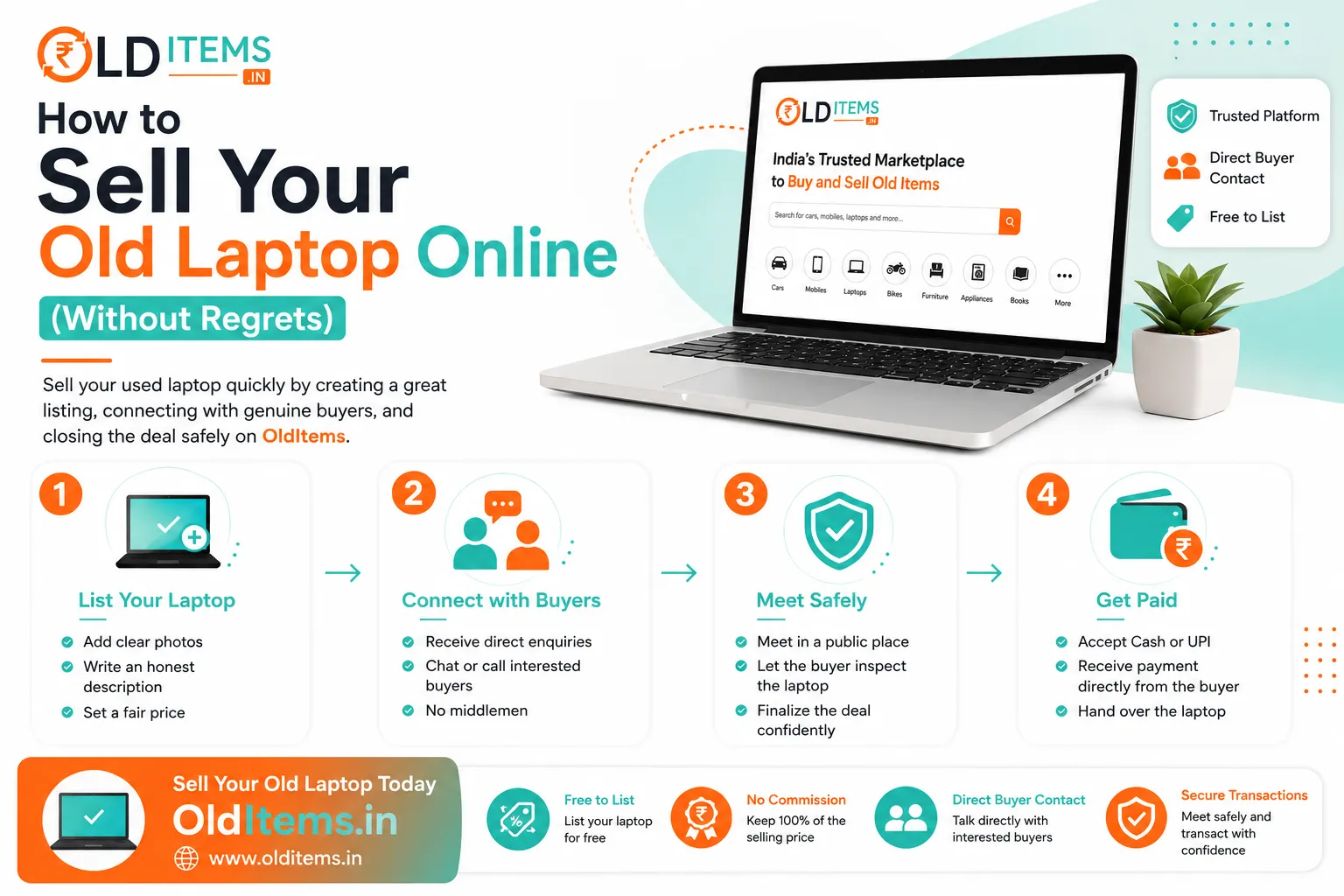
How to Sell Your Old Laptop Online (Without Regrets)
Upgrading to a new laptop is exciting, but leaving your old machine sitting inside a desk drawer is money left on the table. Used laptops—whether MacBook, Dell, Lenovo, HP, or ASUS—are in high demand across India among students, freelancers, and budget-conscious professionals.
However, selling a pre-owned computer can quickly turn stressful if you forget to backup your private photos, leave sensitive passwords behind, or set a price that fails to attract serious buyers.
If you want a smooth, profitable, and regret-free deal, follow this step-by-step checklist to prepare, price, and list your old laptop like a pro.
1. Back Up and Permanently Wipe Your Personal Data
Simply deleting files or sending them to the Recycle Bin is not enough—file recovery tools can easily restore deleted photos, banking documents, and saved browser passwords.
Back Up Important Files: Copy your documents, photos, and media to an external hard drive or cloud storage service (such as Google Drive or OneDrive).
Sign Out of Accounts: Deauthorize software licenses and log out of Google Chrome, Apple iCloud, Microsoft 365, and social media accounts.
Perform a Complete Factory Reset:
On Windows: Go to Settings > System > Recovery > Reset this PC. Select "Remove everything" and choose the option to fully clean the drive (not just a quick wipe).
On macOS: Erase all content and settings through System Settings or Recovery Mode to unbind the Mac from your Apple ID.
2. Clean the Laptop for High-Impact Photos
A dirty laptop covered in fingerprints, keyboard grease, and dust tells buyers that the machine was poorly maintained.
Clean the Screen and Chassis: Use a lint-free microfiber cloth with a dedicated screen-cleaning spray.
Clear the Keyboard & Ports: Use a soft brush or compressed air to remove dust from between the keys, speaker grilles, and USB/HDMI ports.
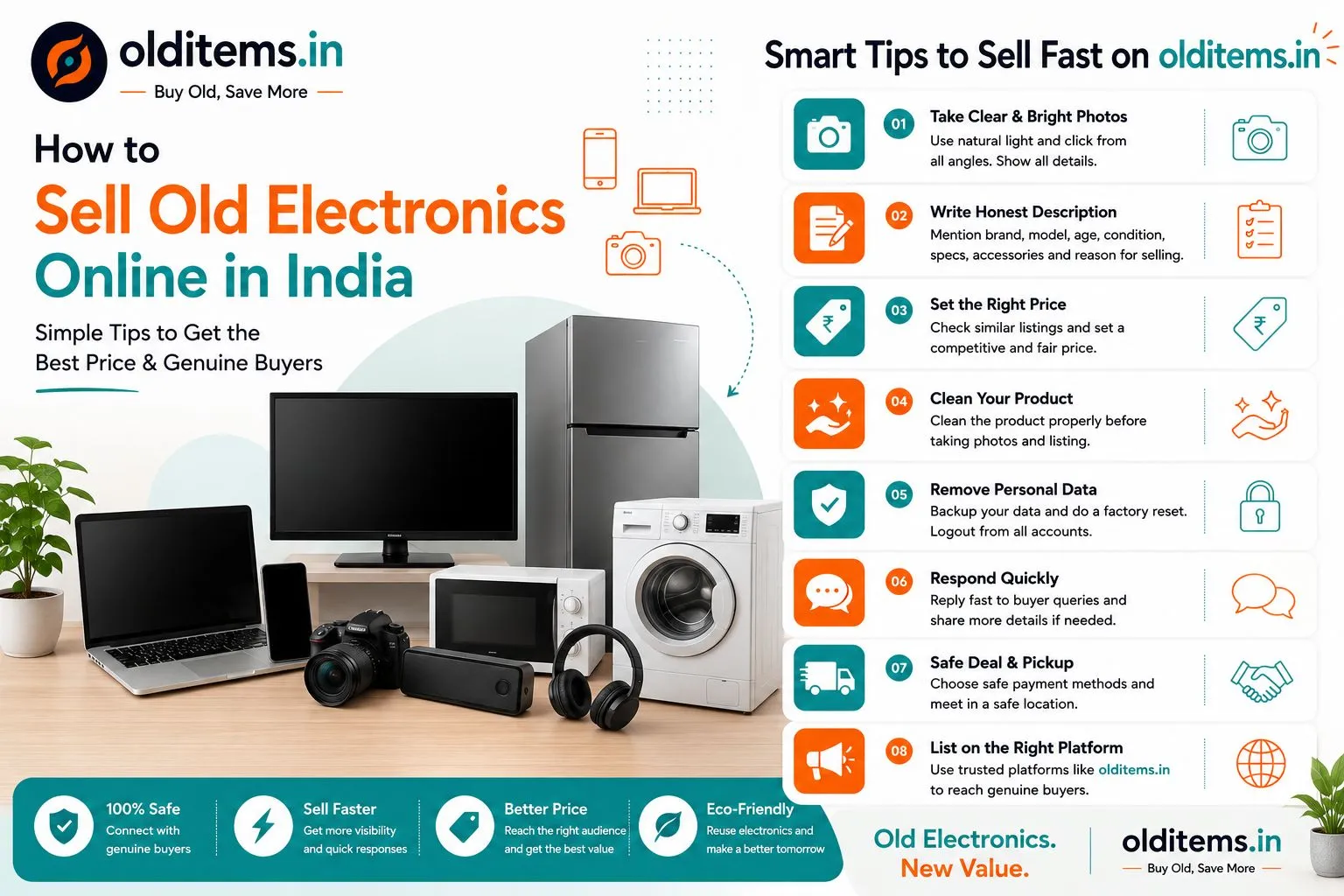
Photo Essentials: Take clear, well-lit photos showing the laptop powered on, the keyboard layout, the outer lid condition, the original charger, and the system specifications screen.
3. How to Price Your Used Laptop Correctly
Setting a fair price depends on processor generation, overall condition, and screen quality rather than just how much you originally paid.
Premium Ultra-Laptops & MacBooks
Pricing Rule: Apple MacBooks (especially M-series chips) and high-end ultrabooks retain 55% to 70% of their value after 2 years if kept in pristine condition.
Key Selling Highlights: Battery cycle count, aluminum body condition, original box, and original power adapter.
Everyday Work & Student Laptops (Core i3 / i5 / Ryzen 5)
Pricing Rule: Standard laptops generally retain 40% to 50% of their value after 2–3 years.
Key Selling Highlights: Solid State Drive (SSD) speed, 8GB/16GB RAM capacity, battery backup duration, and crisp webcam for online meetings.
Gaming Laptops
Pricing Rule: Gaming systems depreciate faster due to heat wear and rapid GPU updates, holding 35% to 50% of their value after 2 years.
Key Selling Highlights: Dedicated graphics card (NVIDIA GTX/RTX), screen refresh rate (120Hz/144Hz), and thermal condition.
4. Write a Detailed, Transparent Description
Clear, honest details attract serious buyers and reduce endless back-and-forth messages.
Be sure to list:
Full Brand & Model Name: e.g., Dell Inspiron 15 5000 Series or MacBook Air M1 2020.
Exact Specs: Processor (e.g., Intel Core i5 11th Gen), RAM (e.g., 16GB), and Storage (e.g., 512GB NVMe SSD).
Battery Health: State clearly how long the battery lasts during continuous web browsing or video streaming (e.g., "Holds charge for 3 to 4 hours").
Flaws or Scratches: Mention any cosmetic dings, non-working ports, or minor screen spots upfront.
5. Handover Safety & In-Person Inspection Rules
When meeting a local buyer from an online marketplace:
Allow Live Testing: Let the buyer power on the laptop, test the keyboard keys, connect to Wi-Fi, and plug in the charger to confirm everything works smoothly.
Never Ship Before Full Payment: If selling locally, insist on receiving full UPI payment or cash before handing over the laptop bag and charger.
Meet in Safe Public Spots: Pick well-lit places like coffee shops or shopping malls where you can comfortably plug in the laptop for testing.
Ready to clear out your desk space and earn cash from your unused tech? Post your listing for free under the Electronics category on OldItems.in!
Frequently asked questions
Comments
Leave a comment
Your email is never published. Comments appear after moderation.