Checklist before buying a used phone
- Verify the IMEI. Dial *#06# and match the number with the box and bill. Be cautious if the numbers don’t match or the seller can’t show any proof of purchase.
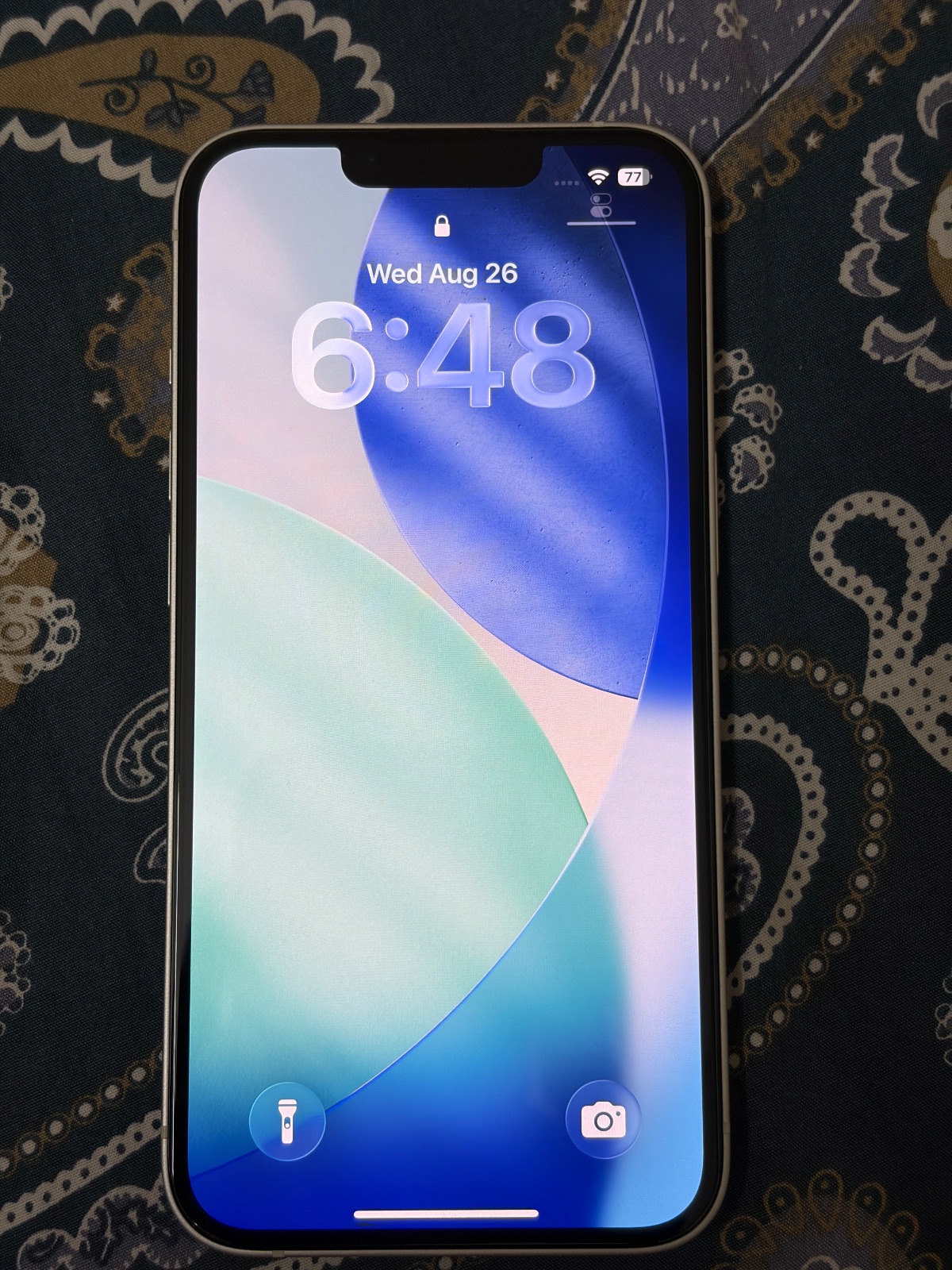
- iPhone: check Activation Lock. The seller must sign out of iCloud and turn off Find My before handing it over, or the phone can stay locked to their account.
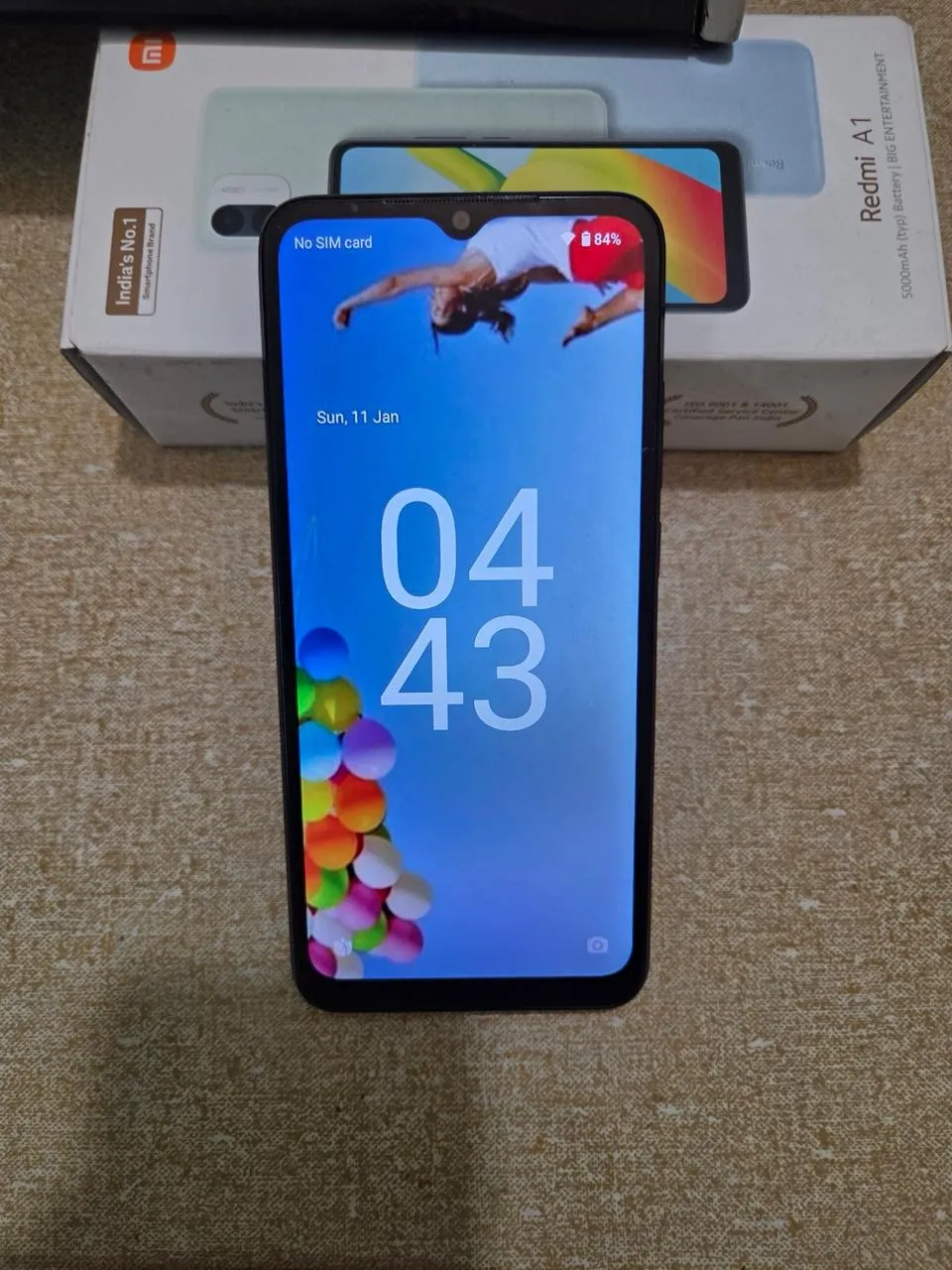
- Android: remove the Google account. Ask the seller to remove their account and factory reset the phone in front of you.
- Battery health. On an iPhone go to Settings › Battery › Battery Health. Below about 80%, budget for a battery replacement.
- Test the basics — calls with your SIM, both cameras, speaker, microphone, charging port, fingerprint or Face ID, Wi-Fi and Bluetooth.
- Look for a replaced screen — uneven colours, lifted edges, or an unknown-part message in an iPhone’s settings.
Browse by type
Smartphones · Tablets · Smart watches · Chargers & cables · Cases & covers
Phones by budget
See used phones under ₹5,000, under ₹10,000, under ₹15,000 and under ₹20,000.
Selling your old phone
A direct sale usually gets you more than an exchange offer. Back up your data, remove your SIM and memory card, sign out of every account, factory reset the phone, and keep the box and bill ready. For more help read 5 tips to sell your phone faster, how to price a used iPhone, or our phone selling guide.