Refurbished vs Second-Hand Laptops: Which One Should You Buy?
Refurbished laptop meaning: a refurbished laptop is a used (or returned) laptop that a manufacturer, seller or specialist refurbisher has inspected, cleaned, repaired where needed, reset to factory settings and put back on sale, usually with a short warranty. A second-hand laptop, also called a used or pre-owned laptop, is sold by its previous owner in whatever condition it is in, without professional testing and normally without a seller warranty. Both cost far less than a new machine, but the risk and the price are different. This guide explains the difference and helps you decide which one fits your budget and needs.
What does "pre-owned laptop" mean?
"Pre-owned" is simply a polite word for used. A pre-owned laptop has had at least one owner before you. The term on its own says nothing about whether the laptop has been checked or repaired. A pre-owned laptop can be refurbished (tested and restored) or sold as-is by an individual. Always read the listing carefully and ask the seller which one it is.
You will also see a few related terms in India:
- Open box: a laptop returned soon after purchase, often barely used, resold at a discount.
- Certified refurbished: refurbished by the brand itself or an authorised partner, usually with a written warranty.
- Renewed or grade A/B/C: refurbished laptops graded by cosmetic condition, where grade A has the fewest scratches.
- Second-hand or used: sold directly by the owner, often through classifieds or to a friend, as-is.
Refurbished vs second-hand laptop: the key differences
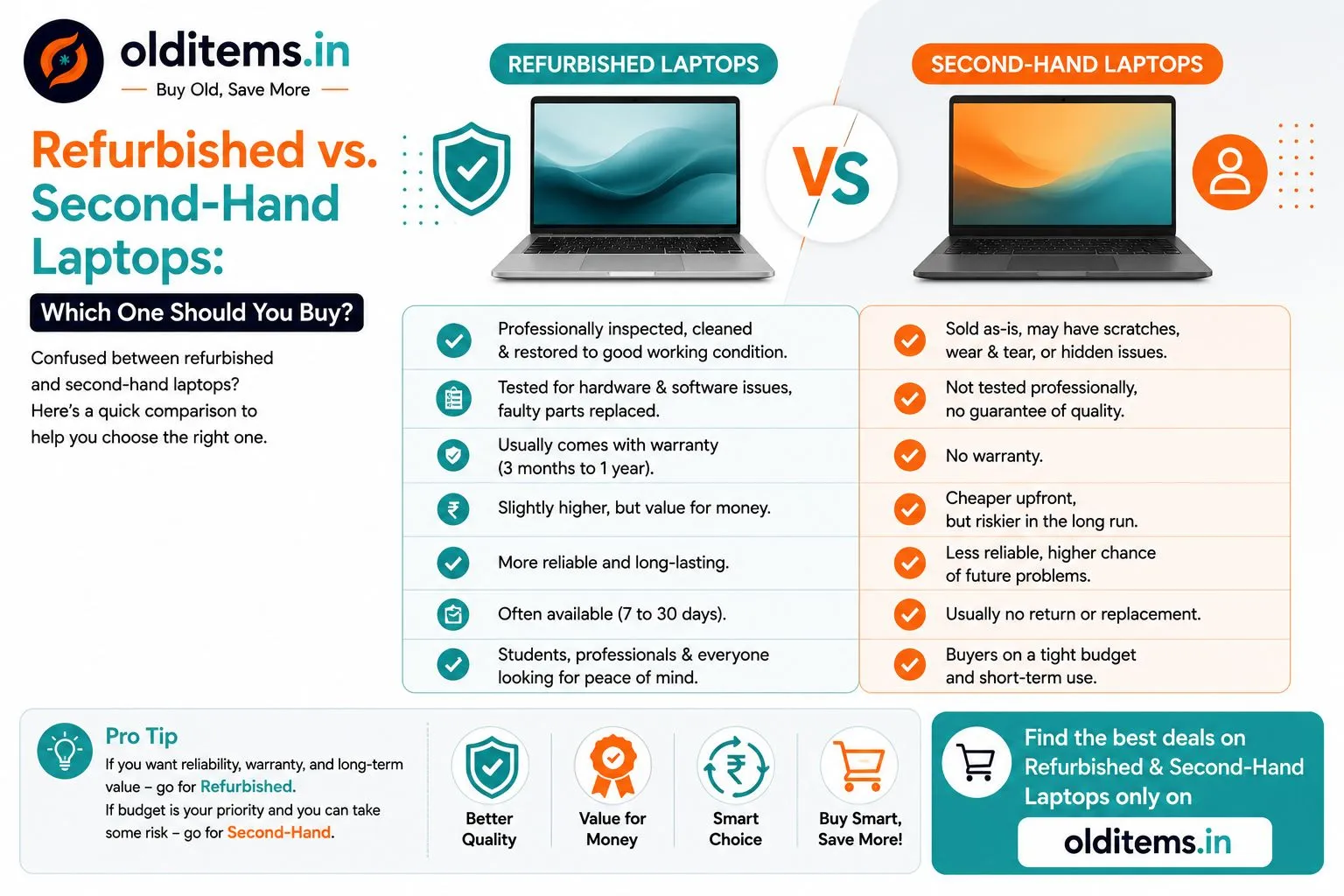
The table below sums up how the two options usually compare. Individual laptops vary, so treat it as a general guide rather than a rule.
| Factor | Refurbished laptop | Second-hand laptop |
|---|---|---|
| Condition | Professionally inspected, cleaned and restored to good working order | Sold as-is; may have scratches, wear or hidden faults |
| Testing | Hardware and software tested; faulty parts replaced | Not professionally tested; you check it yourself |
| Warranty | Usually a seller warranty of a few months to a year | No seller warranty; any remaining brand warranty may apply |
| Price | Higher than a used laptop of the same model | Cheaper upfront, with more room to negotiate |
| Battery | Often checked, sometimes replaced | Original battery; health varies a lot |
| Returns | Often a short return window | Usually no return or replacement |
| Best for | Students, professionals and anyone wanting peace of mind | Tight budgets, short-term use, buyers who can inspect hardware |
Why refurbished laptops cost more
The price gap between a refurbished laptop and the same model sold second-hand pays for the work and the risk the refurbisher takes on. That includes testing every component, replacing a weak battery or a faulty keyboard, cleaning the fan and vents, installing a fresh operating system and covering the laptop with a warranty. If something fails within the warranty period, the refurbisher fixes it, not you.
A second-hand laptop is cheaper because you are taking on that risk yourself. If you know what to check, you can get a very good deal. If you do not, a low price can turn expensive when the battery dies or the hinge breaks a month later.
Battery: the biggest unknown
Battery wear is the most common problem with older laptops. Lithium-ion batteries lose capacity over time and with charge cycles, so a three- or four-year-old laptop may give much less backup than it did when new.
- With a refurbished laptop, ask whether the battery was tested or replaced, and what backup you can expect.
- With a second-hand laptop, check battery health yourself. On Windows, a battery report from the command prompt shows design capacity versus current capacity. On a MacBook, the battery section in System Settings shows the condition and cycle count.
If the battery is weak, it is not always a deal-breaker. Replacement batteries are available for most popular models, but factor that cost into your offer.
Warranty and paperwork
A refurbished laptop's warranty comes from the refurbisher, so read what it covers. Some cover only the motherboard and screen, while others exclude the battery or physical damage. Keep the invoice safe.
A second-hand laptop has no seller warranty, but if it is less than a year or two old it may still be under the original brand warranty. Ask for the original bill and check the serial number on the brand's support website. Our guide on whether a used item's warranty transfers to you explains how bills and ownership work for used purchases.
When a refurbished laptop makes more sense
- You need the laptop for work or college every day and cannot afford downtime.
- You are not comfortable checking hardware yourself.
- You want a warranty and a return window for peace of mind.
- You are buying for someone else, such as a parent or a child, and want fewer surprises.
When a second-hand laptop is the better deal
- Your budget is tight and every rupee matters.
- You need a laptop for a short period, such as a single semester, an internship or a project.
- You can test the laptop in person before paying and know what to look for.
- You find a well-kept, recent model from an owner who has the bill, box and charger.
Buying directly from a local owner also lets you meet them, see how the laptop was used and ask questions that a shop may not answer. You can browse used laptops from sellers in your city and shortlist a few to see in person.
How to judge a fair price
Prices for both refurbished and used laptops depend on the brand, processor generation, RAM, storage type (SSD is worth more than a hard disk), screen condition and battery health. A good starting point is to compare similar listings near you and use the used laptop price calculator to get a rough range. As a general pattern, a well-kept second-hand laptop sells for noticeably less than the same model refurbished, and both are well below the new price.
Be wary of any laptop priced far below similar listings. Very low prices can point to a hidden fault, a locked device or a laptop without proper ownership papers.
Quick inspection steps for a used laptop
The FAQs below cover the basic checklist. In practice, a careful inspection in person takes about 20 to 30 minutes:
- Confirm the processor, RAM and storage in the system settings match the listing.
- Open a plain white page and a plain black page to look for dead pixels, patches or backlight bleed.
- Type in a text editor to test every key, and test the trackpad clicks.
- Plug in the charger and confirm it charges; then unplug and watch the battery percentage for a few minutes.
- Test USB ports, headphone jack, webcam, microphone, speakers and Wi-Fi.
- Open and close the lid a few times to check for loose or creaking hinges.
- Make sure the laptop is not locked to a work account, BIOS password or a previous owner's Apple ID.
Staying safe when you buy
- Meet the seller in a safe public place, such as a busy cafe or mall, and bring a friend if you can.
- Test the laptop fully before any money changes hands.
- Pay by UPI or bank transfer only after you are satisfied, and ask the seller to confirm receipt in their own bank app.
- Never share an OTP, and never scan a QR code that someone says will help you "receive" money. QR codes are for paying, not receiving.
- Ask for a simple handwritten or typed sale note with the model, serial number, price and date, signed by both of you.
Read our safety tips and the guide on whether it is safe to buy second-hand online before you meet a seller.
Selling your old laptop instead?
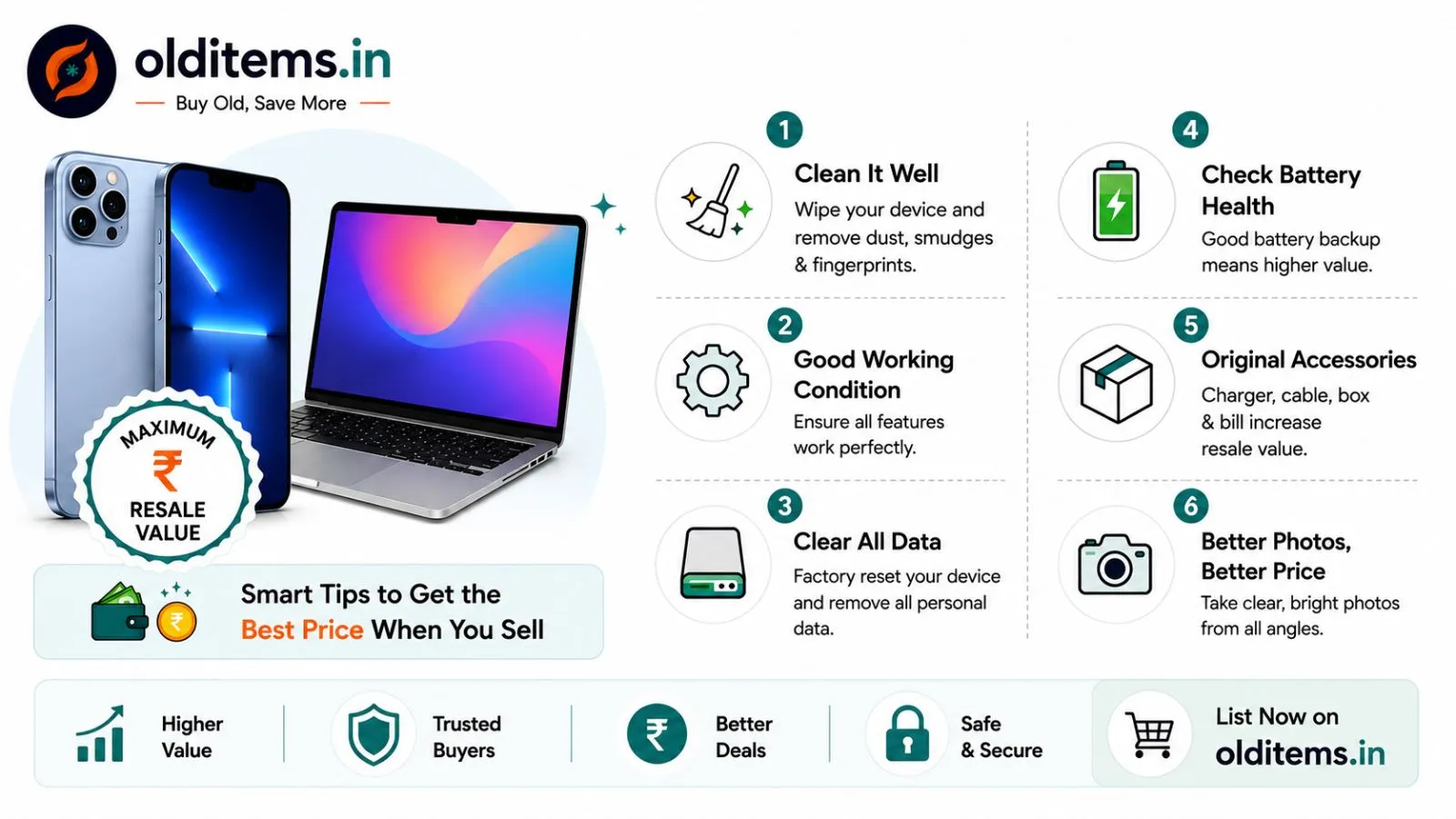
If you are upgrading, selling your current laptop can fund a good part of the next one. Back up your files, sign out of all accounts and reset the laptop before you hand it over; our guide on deleting your personal data before selling old devices walks through each step. For pricing and listing tips, see how to get the maximum resale value for your old phone or laptop.
The bottom line
If you want reliability, a warranty and less effort, choose a refurbished laptop and accept the slightly higher price. If budget is your priority and you are willing to inspect the laptop carefully yourself, a second-hand laptop from a genuine owner usually offers the best value. Either way, check the battery, the screen and the paperwork before you pay.
Have a laptop you no longer use? Post a free ad to sell your old laptop on Olditems and let buyers in your city contact you directly.
Frequently asked questions
Comments
Leave a comment
Your email is never published. Comments appear after moderation.