Check what similar items are listed for before you set your price.
Your options for selling an old laptop
- Selling directly to a buyer (Olditems, OLX, Quikr). Usually the best price for a working laptop. The buyer tests it in person and pays you directly.
- Exchange offers. Convenient when you are buying a new laptop anyway, but the exchange value is generally lower than a private sale.
- Buyback and instant-quote services. Fast, with pickup in larger cities, but the price is set by their grading and is typically conservative.
- Local computer shops. Instant cash, and they also buy non-working laptops for parts — useful for a dead machine.
Check its resale value
Note the exact model, processor generation, RAM, storage (SSD or HDD), screen size and battery health. Then compare with the same model listed today and try our used laptop price calculator. Age and processor generation matter most; an SSD, a healthy battery, the original charger and the bill all add value.
Wipe your data first
- Back up your files, then sign out of your Microsoft, Google or Apple account and turn off Find My Device / Find My Mac.
- Reset the laptop to factory settings (Windows: Settings → System → Recovery → Reset this PC → Remove everything; Mac: Erase All Content and Settings, or reinstall macOS).
- Our guide on deleting personal data before selling covers each step.
Write an ad that sells
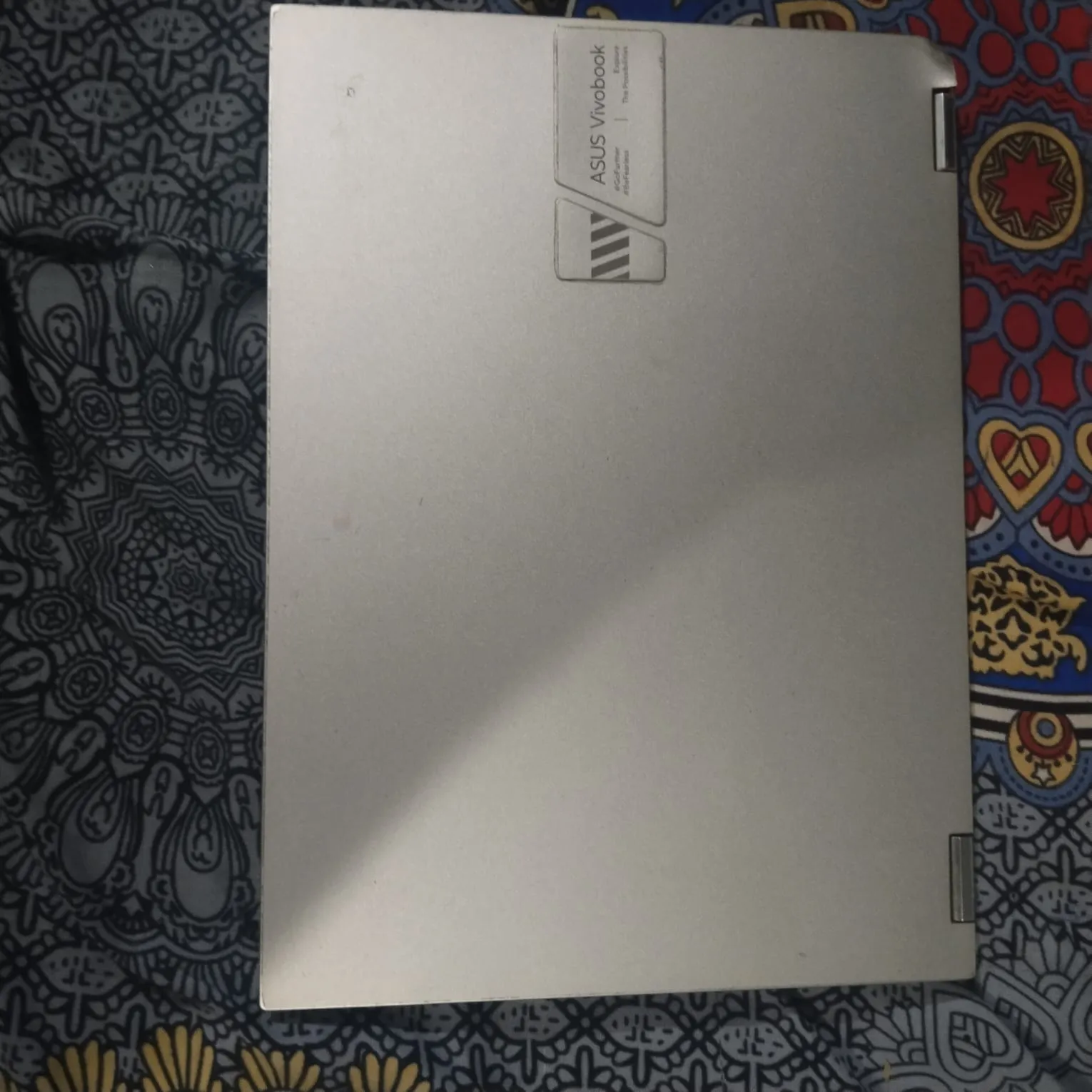
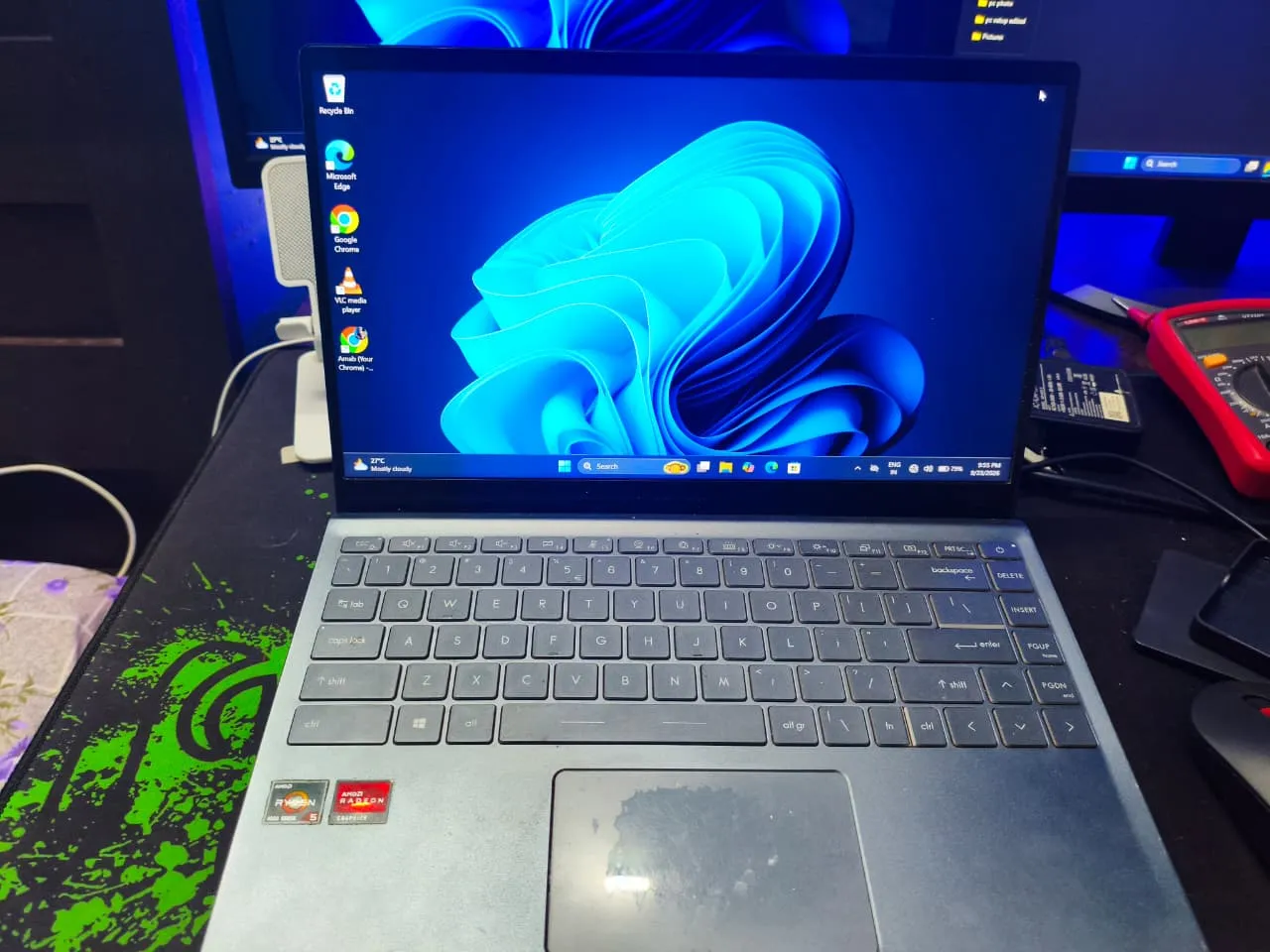
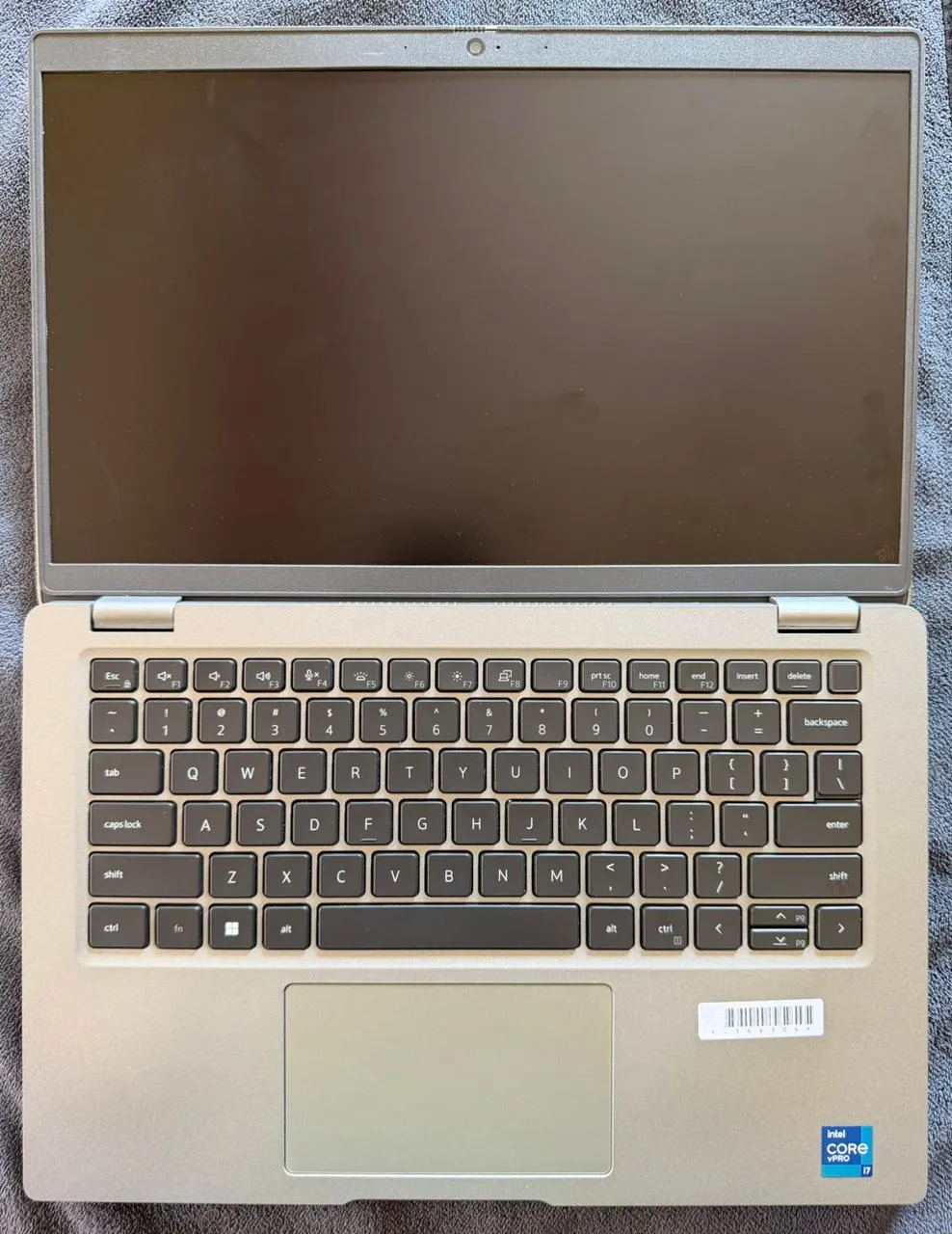
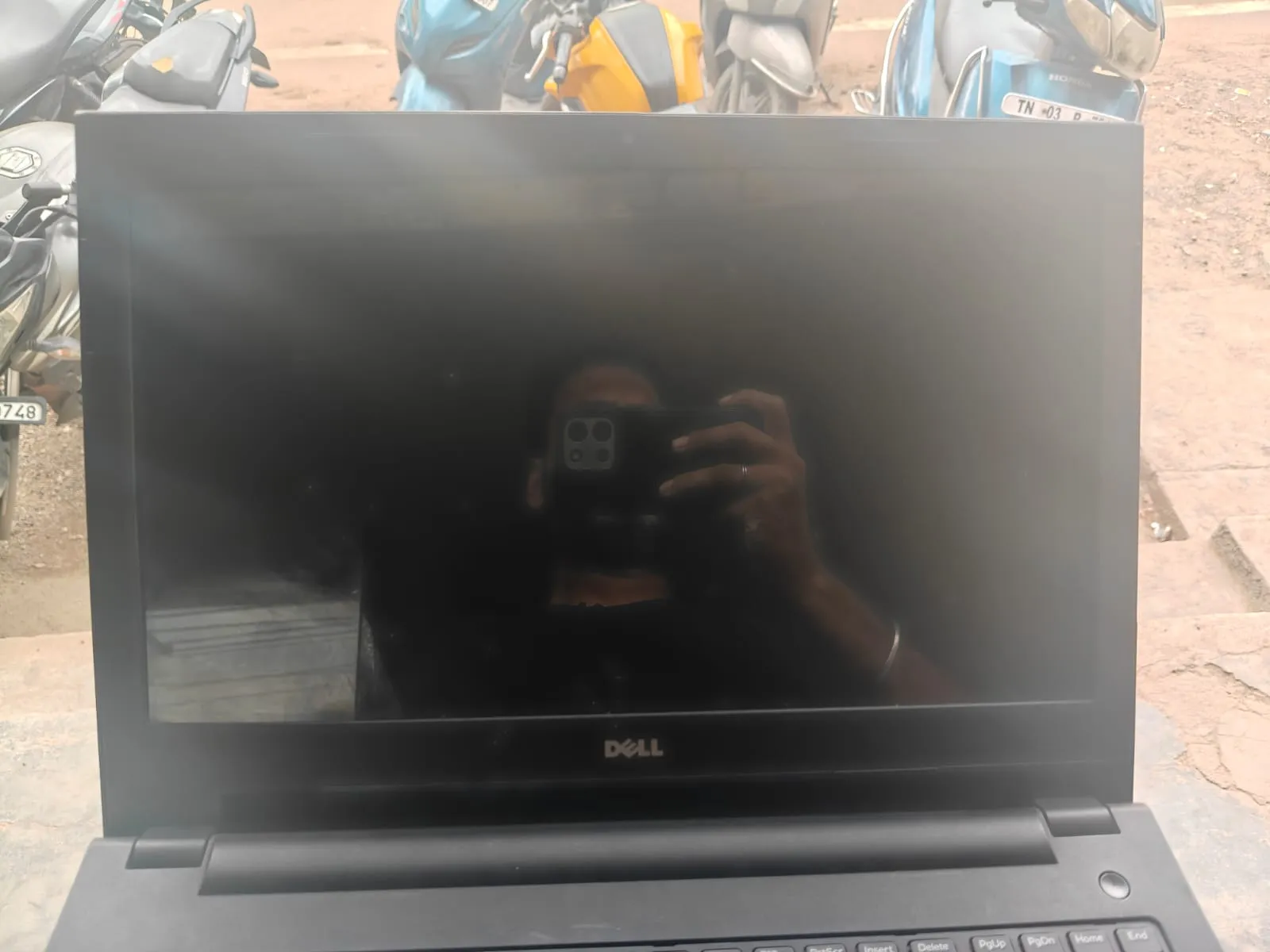
Put the model and key specs in the title — "Dell Inspiron 15, i5 11th gen, 16 GB, 512 GB SSD" — and mention battery backup, any dead pixels, missing keys or hinge play honestly. Photograph it switched on, showing the system specs screen, plus the keyboard, ports, lid and charger.
Selling safely
Meet in a public place or at home with someone present, let the buyer test it, and hand it over only after the full payment has reached your bank account. Never share an OTP or scan a buyer's QR code to receive money. See our safety tips.